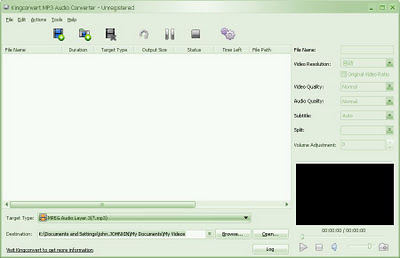
Convert multiple audio files using Free M4a to MP3 Converter software easily and quickly, with the Free M4a to MP3 Converter software you convert audio files with format such as M4A, M4B, MP4, AAC, and 3GP to MP3. Using the Free M4a to MP3 Converter software is not required to learn much how to use it, because it’s fairly simple.

Before you convert audio files, you need to add audio files to the Free M4a to MP3 Converter and choose destination folder and format you desire. If you are need specific result, you can configure settings and configuration of conversion output, but if you want a simple thing, then leave it and simply convert the audio files.
Free M4a to MP3 Converter software is very lightweight and simple, there is only a few amount of CPU resources taken by the software while running. If you want to make the Free M4a to MP3 Converter software works on your computer, make sure you had running recent versions of Microsoft windows.

 Posts
Posts


